01 · MOVEA swipe. A tip. A tumble.
Choose Swipe or Arrow buttons in ⚙ Settings. In Swipe mode, swipe up, down, left, or right anywhere on the board; each swipe makes one move. In Arrow buttons mode, tap an arrow to roll. Keyboard arrow keys and WASD always work.
02 · ESCAPEFind the perfect fit.
Land upright on the glowing exit at normal size: two squares tall. Complete the level to unlock the next. Cleared levels can be replayed. MIN shows the fewest possible moves. Match it to earn a perfect star; every successful escape unlocks the next level, whatever your score.
03 · STAY ON THE TILESEvery edge counts.
The whole block must have support. Fall off and the level automatically starts over, resetting moves, size, and bridges. There is no undo. Use ↻ or R to restart, and LVL or Escape to return to levels.
LEVEL 11 · SIZE PADS▪ ▪ ▪ ▪ ▪ ▪
Three amber squares grow you to size three, one centered violet square shrinks you to a cube, and two lime squares restore size two. Touch a symbol with any part of a safely landed block. Leave and return to activate it again.
LEVEL 21 · BRIDGES⏻ Make a way across.
Touch a switch to open or close all dotted bridges. Open bridges support every size. Closing one underneath you causes a fall.
LEVEL 31 · TELEPORTS◉ A A step through space.
The swirling rings form matching pairs. Stand upright at size two or three to teleport to the matching letter. Cubes and lying blocks stay put. Your size and bridge state travel with you.
LEVEL 41 · FRAGILE TILESϟ Tread lightly.
Amber cracked tiles support a single cube or a block lying flat. Stand upright at size two or three and you fall through. Spread your weight or shrink before crossing.
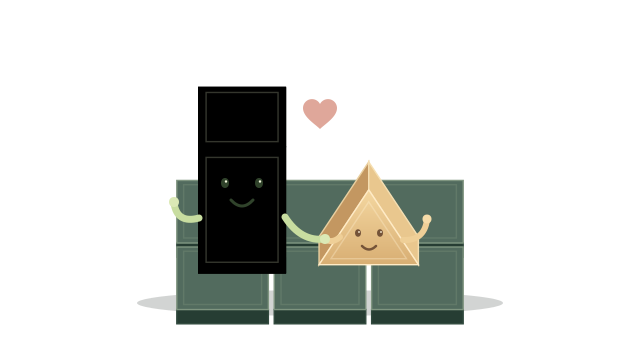 DIFFERENT SHAPES. ONE FAMILY.